

For three years I took client calls from my home office in Raleigh using the microphone built into my laptop. If you are in that same place now, you know how it sounds: you hear the echo, you ask people to repeat themselves, and you apologize for the lawn crew. I fixed it with a simple wired USB headset, the Logitech H390, and it changed my calls more than any other piece of my desk. This list is why a headset, not a new webcam or a standalone microphone, made the difference.
I am a technical writer, so I spend more of a workday typing than talking, but three or four video calls a week adds up. My office is one converted spare room, with a desk against the long wall, a laptop on a stand, and a single monitor I look at for hours. The laptop microphone was always the weak link. After I started using the H390, I noticed the difference in the first minute of every meeting. Here is what changed, in the order that matters most.
The upgrade that takes thirty seconds
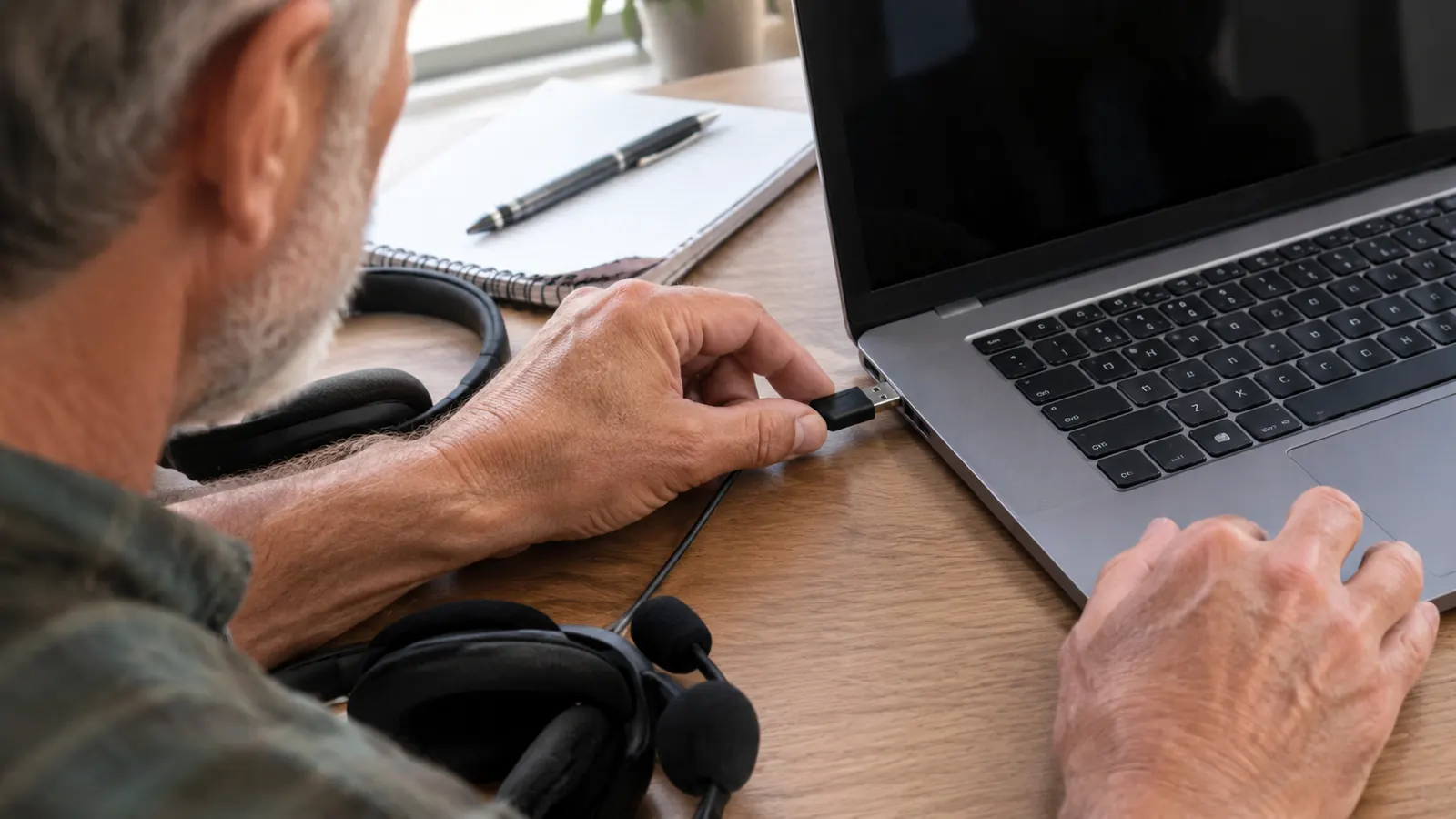
Plug the Logitech H390 into the USB port on your laptop, wait a second for the computer to recognize it, and you are done. No driver, no charging dock, no setup wizard. It is the same headset I keep near my keyboard for every call.
Amazon Check Today's Price on Amazon →The microphone moves from across the room to the side of your mouth
A laptop microphone sits at least a foot away from your mouth, so it hears your voice after it has bounced off the walls, the keyboard, and the desk. The Logitech H390 puts the mic right by your cheek. On the first call with it, one of my long-term clients said, 'You sound like you are in the room now.' When someone notices the difference on a normal Tuesday call, you know the change is real.
Lawn crews and delivery vans stop joining your meetings
My north-facing window looks out on a street that is quiet except when someone decides to mow, blow, or repair a driveway. That noise used to be a regular guest on my calls. The H390 microphone is designed to focus on the voice closest to it, so the person on the other end hears me, not the machine outside. It is not perfect, but it is so much better that I stopped prefacing sentences with 'Sorry about the noise.'
Amazon Check the H390 price on Amazon and keep your background quiet →
There is no battery to charge and no battery to die
A wireless headset is only as good as the charge it has when a call starts. I have been on calls that ran long and watched separate gadgets run low, so the wired Logitech H390 is a relief. It draws its power from the USB port on the laptop, the same connection that carries the audio. There is no battery meter to check, no charging cable to remember, and no moment in a meeting where the headset quietly powers off.
Amazon Read the current Amazon price for the wired Logitech H390 →
It connects to the same laptop every single time
Bluetooth setup is where meetings go to die. You open the settings, wait to see the right device name, and then wonder why an update changed the name. A wired USB headset skips all of that. I slide the plug into my laptop, and the Logitech headset becomes the audio device. When I unplug it at night and plug it in the next morning, it is exactly where I left it. I no longer spend the first minute of a call troubleshooting audio.
Amazon See the current price on Amazon before your next call →
The mute button is on a cable where your hand finds it
On the H390's cable, there is a mute switch and a volume control. I use mute every single day, when I cough, when the doorbell rings, and when I need to flip through a printed manual. Because the button hangs on the cord rather than in a software menu, I can find it without taking my eyes off the screen. If you have ever accidentally unmuted yourself with a stray click, you know why that matters.
Typing on your keyboard no longer turns into an interruption
As a technical writer, I type for a living. With the laptop microphone, each keystroke traveled through the desk and into the meeting like a small drumbeat. The headset's microphone sits near my mouth, so when I take notes while a client is talking, the other people on the call hear the client, not my keyboard. It lets me do my actual job during a meeting instead of sitting frozen to avoid making noise.
You can stand up and stretch without dropping out
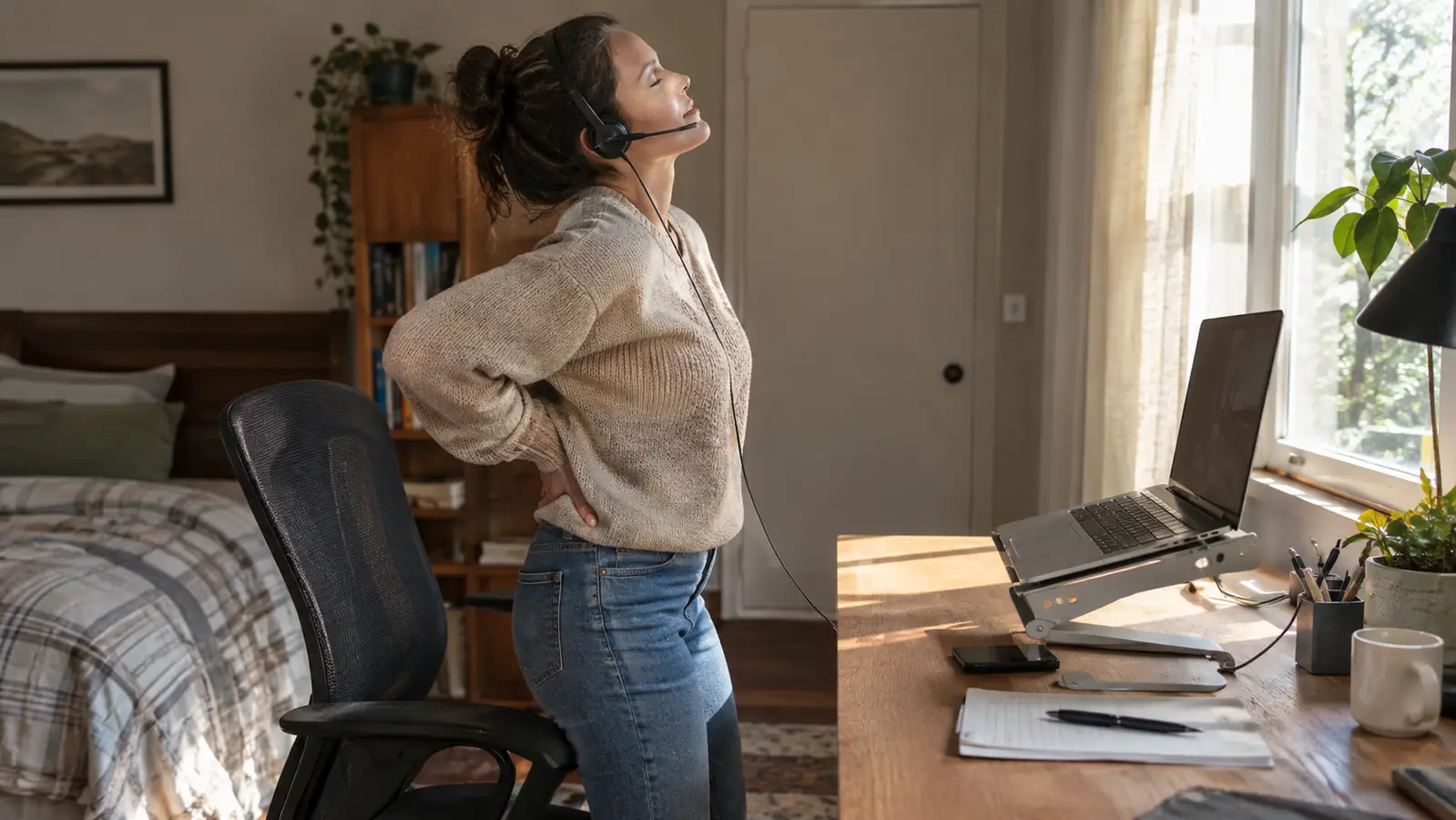
I have a long-standing lower-back issue, so sitting upright for ninety minutes is not something I can do without moving. With a wired headset, I push the chair back, stand up, stretch my hips, and keep talking. The cable reaches across my small desk, and there is no wireless signal to lose. When I finally sit back down, the call sounds exactly the same, and my back is in better shape.
You hear the other people on the call more clearly
A headset with two ear cups cuts out room noise on your end, which makes distant voices sound closer. I stopped leaning into the monitor and asking people to repeat names and numbers. Because I could hear them better, I also interrupted less. Once you have a headset on, you forget the audio is a separate thing, and that is the point. The technology disappears into the conversation.
Your hands stay free for notes, documents, and screen shares
A headset stays on your head, so neither hand has to hold a phone or prop an earpiece against your shoulder. During screen shares, I type, scroll, and point while I keep talking. Before the headset, I developed that awkward habit of cradling a handset between my ear and shoulder, and I never want to go back to it. The hands-free part is simple, and it makes every meeting easier.
It stops the endless fight between camera angle and microphone
When the laptop microphone was my only option, I angled the screen for a good picture and made the audio worse, or I angled it for audio and looked like I was filming a documentary about my ceiling. The separate headset ends that trade-off. The camera can point wherever it needs to point, and the microphone stays in the same place relative to my mouth. The whole setup becomes more stable, and I stop fiddling with it.
Amazon See the Logitech H390 on Amazon and stop adjusting your laptop →
What I'd Skip
I would skip the H390 if you most often take calls from your phone or if you need to wander around the room while you talk. The cable keeps you close to the desk, and the USB-A plug will not go into a phone without an adapter. I would also skip it if you have already invested in a good separate microphone on a boom arm; you are on a different path, and this headset is not an upgrade for you. But if your problem is the hollow sound of a laptop mic on a video call, this is a fix that has not worn out on me in years.
The first time a client said, 'You sound like you are in the room,' the headset earned its place on my desk for good.
A clearer call is thirty seconds away
You do not need a studio or a stand-alone microphone to fix a bad call. A wired headset that fits your head and stays plugged in is enough. The Logitech H390 is the model I keep coming back to, and it remains the first thing I recommend to friends who work from home.
Amazon Check Today's Price on Amazon →