

I go into every video call with a version of the same worry: can the other person hear me, and am I missing half of what they say? For years, my laptop's built-in microphone and speakers were my entire setup. It worked some days and failed on others. On a client kickoff, the project manager asked if I was sitting inside an air handler closet. I was in my small spare bedroom in Raleigh, with beige carpet, one north-facing window, and nothing louder than the furnace cycling on. That call pushed me to order the Logitech H390 and compare the two setups on real meetings.
Here is the short answer. If you spend more than two or three hours a week on video calls, a wired USB headset like the Logitech H390 sounds better than a laptop microphone and makes calls easier to follow. If you join only the occasional call and your room is quiet, the laptop setup can still be enough. I tested both from the same desk, same chair, and same laptop over several weeks. The H390 won where it counts: voice clarity, background noise, and privacy. The laptop won on convenience and cost, and for some people that is the only score that matters.
| Logitech H390 USB Headset | Laptop Built-in Microphone | |
|---|---|---|
| Microphone placement | Boom sits near your mouth, so your voice stays level as you move | Mic lives in the screen, far from your mouth, so your voice changes with head position |
| Background noise | Noise-cancelling mic filters HVAC, keyboard clicks, and distant room sounds | Picks up whatever happens in the room, including typing and the furnace |
| Hearing other people | Sound goes to your ears, so it stays clear even in a noisy room | Speakers project into the room, can be hard to hear, and can disturb others nearby |
| Setup and daily friction | Plug into a USB-A port and select it once; the cable remains on your desk | Nothing to set up; the laptop is always ready for a call |
| Physical comfort | A padded headset adds something on your head for the whole call | No headset at all; nothing presses on your ears or head |
| Portability | You have to remember the headset and its cable when you move | Travels inside the laptop with no extra bag space |
| Cost | You buy one headset once, but it is ready for every call | Already included with your laptop; no checkout required |
| Best for | Regular working sessions, screen shares, group calls, and rooms with noise | The rare call in a quiet room where you do not need to multitask |
Where Logitech H390 Wins
The biggest change is microphone placement. The H390's mic boom stays near the corner of my mouth, even when I lean back to think or turn toward my laptop screen. With the laptop microphone, I had to sit forward, face the screen, and keep my head still to sound clear. When I forgot, callers heard a hollow voice or a voice that faded in and out. With the Logitech H390, nobody has asked me to repeat myself since the second day. That alone is enough reason to keep it on the desk.
Background noise is the second win. My office is not a recording studio. The furnace comes on, the chair squeaks, and I type while I listen. The H390's noise-cancelling microphone separates my voice from most of that background sound. I proved it during a slow status call by typing a long paragraph while I talked. The other person heard my voice clearly and never heard the keyboard. On the laptop microphone, the same typing sounded like someone shaking a box of staples. It is the kind of difference you do not notice until you make the switch.
The third win is what the headset does for listening. Laptop speakers point out into the room. If anyone else is home, your call becomes part of the household noise. The Logitech H390 keeps the conference audio at your ears and makes quiet speakers easier to follow because the sound source is close. I no longer have to ask people to repeat themselves as often, and I do not have to turn the volume up so high that the whole room can hear the call. That matters more than I expected.
There is also the inline mute. The H390 has a mute button and a volume dial on the cable. I can cut my microphone quickly without hunting through the meeting app for a menu. When a notification dings, I can lower the volume in one motion. On a long screen share, small controls like that keep my attention on the conversation instead of the settings window.

Where the Laptop Microphone Wins
The laptop microphone wins on pure convenience. There is no cable to manage and nothing to remember. If the call starts a few minutes early, I can simply sit down and be present. A wired headset adds one more object to the desk, and that object has a cord. Even when I am not on a call, the cord is there, waiting. On a tidy desk, that is a real argument.
Modern laptops have also come a long way. In a quiet, empty room, the built-in microphone captures a person's voice clearly enough for a one-on-one chat. It is no longer the crackly speakerphone of old laptops. The distance between the microphone and your mouth is the main problem. When I lean back or when the furnace switches on, the laptop microphone starts to sound distant. For short, scheduled, sit-still calls, it is genuinely fine.
The built-in microphone also never needs a driver, a battery, or a different port. That is meaningful for people who do not want to touch audio settings. A USB headset involves a quick setup session: plug it in, choose it as the default device, and adjust the volume once. People who never change audio settings may find that first minute more friction than they want.
And there is the cost difference. The laptop microphone is already there. It requires no ordering, no shipping, and no cable routing. If you make four calls a month and you are happy with the audio, a headset is optional. The best tool is the one you already own, until it stops being good enough for the work you do.
How the Comparison Went in Practice
I tested the way most people actually work. I used the same desk, the same chair, the same laptop, and the same lighting for about two weeks. On headset days, I kept the Logitech H390 plugged in and set as the default audio device. On laptop days, I removed the headset and switched the meeting app back to the built-in microphone. I did not use a pop filter or treat the room for sound. If a tool needs that kind of help, I want to know before I recommend it.
The pattern repeated itself on every call. On laptop microphone days, at least one person asked me to repeat something, or I asked them to repeat something. It was not constant, but it was there. On Logitech H390 days, that background friction disappeared. The conversation moved faster because nobody was fighting bad audio. It was not a dramatic studio transformation; it was simply a setup where people could listen to what I was saying instead of how I was saying it.
Group calls made the difference even clearer. When four people talk in a video meeting, the person who sounds distant gets talked over. The built-in laptop microphone made me sound like I was speaking from across the room. The Logitech H390 put me in the same room as everyone else. I noticed it most in screen shares, when a comment comes from off camera and the whole call has to pause to sort out who said it. Good audio does not fix every meeting problem, but it removes one layer of confusion.
Hear and be heard on your next call
The Logitech H390 is a simple wired USB upgrade that makes your voice clearer and keeps call audio in your ears. Check today's price and current options on Amazon.
Amazon Check Today's Price on Amazon →Who Should Buy Which
Buy the Logitech H390 if your week depends on sounding clear on calls. I write documentation for a living, but my income also depends on three or four video calls with clients every week. A headset that removes room echo and background hum makes those calls easier for both sides. It also makes me sound prepared, which is a real advantage when you are discussing a project for the first time.
The H390 also makes sense if you type while you talk. The noise-cancelling microphone is made for people who take notes or look up files during a meeting. With the laptop microphone, the other side hears every keystroke. With the H390, they hear your voice and almost none of the keyboard. For any role where you need to be on camera and productive at the same time, that is the difference worth having.
Skip the headset if calls are rare and your room is quiet. If you mostly communicate by email and your video calls are short check-ins, the laptop microphone will not embarrass you. There is no need to add another object to a setup that already does what you need. Spend your desk budget on a better light or a more comfortable chair if one part of your setup actually bothers you.
There is also a privacy angle. If someone else is in the house, the laptop speaker makes every call semi-public. A headset lets you keep the conversation between you and the people on the call. If you work from home with family nearby, that alone can justify a wired headset even when the audio quality difference feels small.
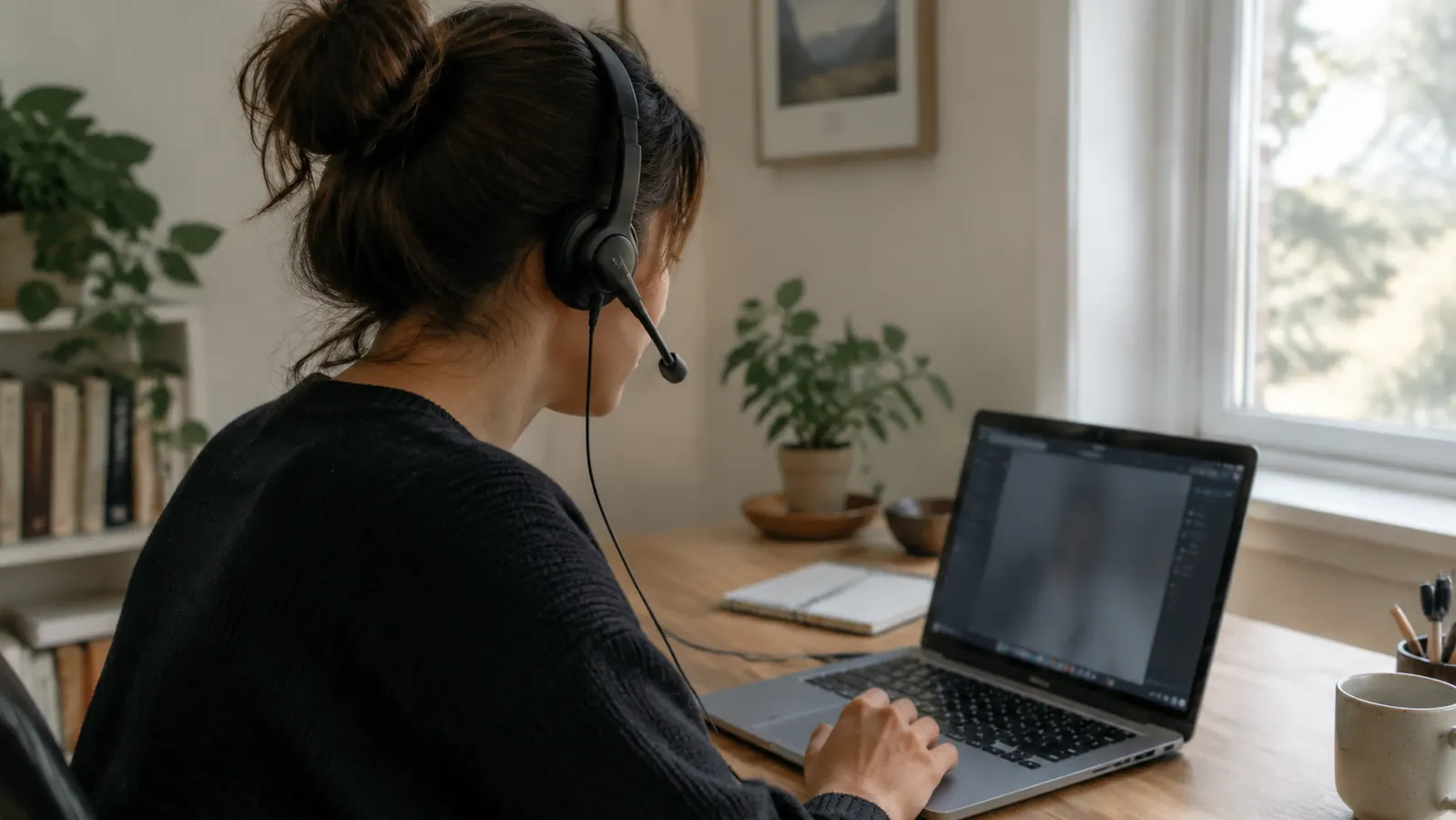
One Honest Caveat
No product is perfect, and the Logitech H390 has a plain, workhorse feel. The cable is the first thing you notice. It ties you to the desk, so if you like to pace while you talk, the headset will annoy you. The sound is tuned for speech, not music. I use it for work calls and take it off when the meeting ends. It is not a replacement for good earphones on a long playlist.
The other thing to know before you order: the H390 uses a USB-A plug. If your computer only has USB-C ports, you will need a small adapter. It is a one-time hassle, and it does not affect call quality. But it is worth checking your laptop before you commit.
How I Decided
Here is the question I ask before telling anyone to buy a headset: do you ever strain to hear or be heard on calls? If the answer is yes, your laptop microphone is the weakest part of your setup. The Logitech H390 fixes that weak link without forcing you to buy a new computer or learn complicated software. It plugs in, appears as an audio device, and works.
Would I choose it again? Yes. It is not flashy, and it will never be the most interesting thing on my desk. But it has made my call days less tiring. I spend less time leaning forward, less time apologizing for audio, and less time asking people to repeat a phrase. For a home office used for real work day after day, that is exactly what a tool should do.
The Bottom Line
The laptop microphone and the Logitech H390 are not really fighting each other. They solve different levels of need. The built-in microphone is enough for a short check-in. The headset is better for the slower work of real communication: explaining a process, answering questions, building trust with a client.
If you are happy with your current calls, save your money and your desk space. If you already know the problem, the H390 is a low-risk fix. It is not the most exciting purchase in a home office, but on days with back to back meetings, it earns its place.
One more thing: a headset is only half of the audio loop. The other person's microphone and speakers matter too. You cannot control their side. All you can control is how you sound on your end, and a close microphone is the fastest way to sound your best.
The choice comes down to how often you call. For me, the answer was clear after one afternoon of switching back and forth. The Logitech H390 stays plugged in, and my laptop microphone stays retired unless I need it as a backup.
Make your next call easier to follow
A wired USB headset is one of the simplest upgrades for a home office. Check the Logitech H390's current price and details on Amazon.
Amazon Check Today's Price on Amazon →