

I spend most of my work week in one chair in a converted 10 by 11 foot spare bedroom at the back of a 1990s ranch house. On my left is a window that faces north, and the beige carpet is old enough that I no longer worry about coffee spills. I set up this office in 2019, and it has been through several headsets since then. The one sitting next to my monitor right now is a Logitech H390, a wired USB-A model, and this is the honest review I wish I had found before I bought it. That sentence matters because my headset gets used for writing, client calls, screen shares and the occasional hour of music in the background. I do not stream, game, or make podcasts. I sit, I type, and I talk. My lower back has bothered me since a 2015 accident, so my chair and monitor position get most of the attention. What surprised me is how much a headset can add to that picture.
This is a review of the Logitech H390 after roughly nine months of near daily use. I am not paid by Logitech and no one reviewed this article before I wrote it. The short version is that the H390 is a dependable workhorse for calls and day long wear, but it has limits that matter more than the marketing implies. I will name the limits up front so the rest of this review does not read like an advertisement. The biggest one is in the title: the cord. I will get to that in detail because it is the reason I almost sent the headset back in the first week.
The Quick Verdict
A comfortable wired headset for home office calls that is easy to set up and sounds clear on both ends. Buy it if you sit close enough to your computer that a five foot cord does not annoy you. The cord is the only real dealbreaker.
Amazon Check Today's Price →Need a headset that just works for every call?
The Logitech H390 connects over USB-A, needs no drivers, and sets up in seconds. It is one of the easiest home office upgrades I have made. See today's price and current availability on Amazon.
Amazon Check Today's Price on Amazon →How I Have Used It
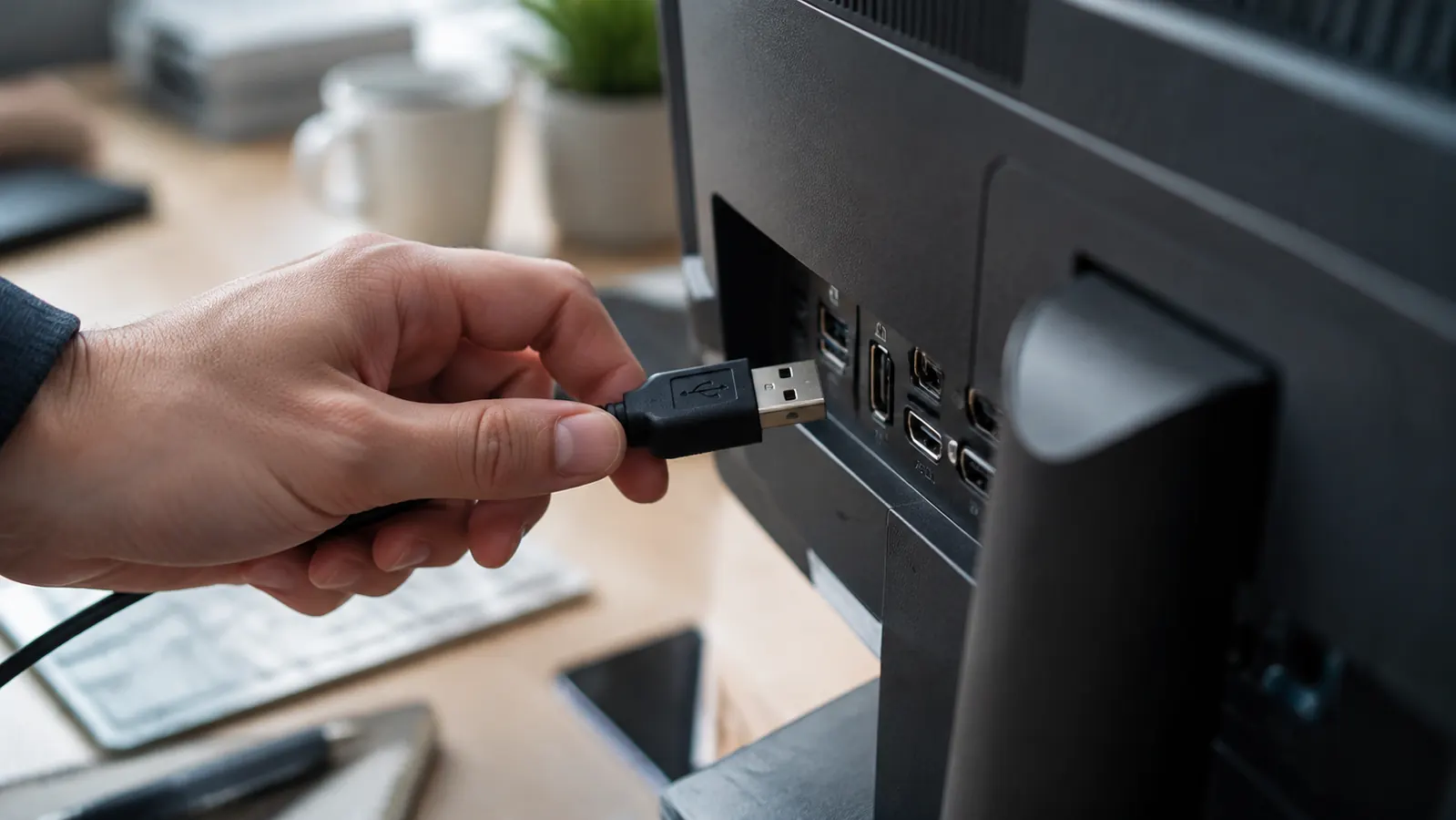
My typical day is long blocks of technical writing with three or four video calls scattered through the week. I keep the Logitech H390 plugged into a port on the back of my monitor, not into the front of my laptop. That choice matters because the cable has to stretch across about three feet of desk before it disappears behind the monitor stand. With the monitor mounted on a low arm, the cord comes off the left ear cup, drops down behind the keyboard, and then runs under my second screen to the USB port. There is enough slack for me to lean forward to read my notebook, but not enough for me to spin the chair and face the bookshelf behind me without the cable pulling tight.
In those nine months I have worn the H390 through every kind of call my work produces. There are one on one calls where I mostly listen, group calls with five people talking over each other, and screen share sessions where I read notes while the client watches me scroll through a manual. In every case, the sound on my end has been clear enough that I stopped thinking about it after the first minute. That is the highest praise I can give any piece of audio gear. When a headset works, it disappears. When it does not work, you notice it immediately and you keep noticing it for the rest of the call.
I also use the H390 for what I call the dead hours of the afternoon, when I have hit a wall on a manual and just need background noise. The audio profile is not made for critical listening, but it plays instrumental music without sounding tinny or hollow. Voices in podcasts sound natural, which is more than I can say for a pair of cheap earbuds I keep in my travel bag. The H390 is not a music headset, but it does not embarrass itself when you ask it to play music for an hour while you reread the same paragraph for the fifth time.
On heavy days I have worn it for four and a half hours before a break. My ears are not unusual, and I am picky about pressure behind the lobes. The ear cushions are soft foam wrapped in a material that feels like smooth leather. They do not make my ears sweat the way pure vinyl pads do. The headband has enough padding that I forget it is there, and the clamp force is gentle without being so loose that the headset slides around when I turn my head quickly. The H390 is not the lightest headset I have tried, but the weight is distributed well enough that I do not feel it on the top of my head.

Comfort Over the Long Day
I want to say something specific about comfort because it is where most headsets fail me. I have a narrow head, which means many headsets sit too loose and push against my ears after an hour. The Logitech H390 has an adjustable headband that clicks in small increments, and I found a setting that keeps both ear cups squarely over my ears without squeezing my temples. The ear pads are not the deep, memory foam style found on studio headsets, but they are thick enough that my ears do not touch the hard plastic inside. That is the first thing I check with any new headset, because once an ear pad presses on the shell, no amount of adjustment fixes it.
One thing the photos on the box do not show is that the ear cups swivel a little where they attach to the headband. That swivel lets each cup follow the angle of my head instead of forcing my ears to line up with a fixed frame. It seems like a small detail until you have spent a day with a headset that sits crooked because one ear is higher than the other. The swivel range is modest, but it is enough to make the H390 feel like it was built for a head that is not perfectly symmetrical.
The honest downside is that the padding is not breathable in the way fabric covered foam is. On a humid North Carolina afternoon with the window open, my ears get warm after about two hours. It never reached the point where I had to stop a call, but I did find myself pushing the headset off my ears between meetings more than I expected. If you run warm or if your office has no air conditioning, this is the tradeoff you accept for the soft, quiet feel of the pads. I have not had the material peel or crack after nine months, which is better than my experience with a cheaper Logitech model that started flaking after six.
What Your Callers Actually Hear
I asked three different clients for permission to be honest with them about how the microphone sounded. One said I sounded clearer than the person calling from a boardroom with an expensive conference speaker. Another said she could not tell I was on a headset. The third, my toughest client, said my voice had a slight hollow quality on the low end, but that it was not distracting. That matches my own experience when I record a voice memo with the H390. The mic noise gate works well enough that my keyboard clicks only come through faintly, which is remarkable because I type on a mechanical keyboard with loud switches.
The noise cancellation on the microphone is not the same as what you get on a broadcast headset. If my neighbor starts mowing the lawn, the caller hears a soft background hum, not full silence. But normal room noises like a fridge cycling on, the furnace kicking on down the hall, papers rustling, or me shifting in my chair are kept out of the signal. That is the difference between a mic that is merely directional and a mic that is actually designed for office chatter. The H390 falls on the right side of that line.
One detail I did not expect is how much the mic boom gets in the way when I scroll down to take a drink of coffee. The boom is short and flexible, and it pivots up out of the way when it is muted. On the H390, the microphone boom does not flip up automatically to mute; there is a separate mute button on the inline control. If you are used to headsets that mute when you raise the boom, you will accidentally unmute yourself more than once before you learn the button. I did that during a client call in month two, and I still wince when I think about it.
The Cord, the Part Nobody Mentions
Now I have to talk about the thing in the title because it is the reason this is an honest review rather than a glowing one. The Logitech H390 has a cord. It is not a wireless headset, it requires a USB-A port free nearby, and you cannot wander around your office while talking. The cord is long enough for most desks, but it is not long enough for every room setup. I learned this in the first week when I tried to stand up from my chair while staying on a call. The cable yanked the headset sideways off my head before I had fully straightened my knees.
The length is roughly five feet from the left ear cup to the USB connector, though measuring it exactly matters less than understanding how it behaves in practice. It comes out of the bottom of the left ear cup, which means if you plug it into a port on the right side of your laptop, the cable has to cross your chest or wrap around the back of your neck. I solved that by plugging the H390 into the back of my monitor on the same side as the cable. Once the cord has a short route to the port, it stays out of my way. If I used a laptop on a desk with the only USB port on the right side, I would probably need a small extension or a different headset.
The cord is also thick enough that it does not tangle into tight knots, but it is not braided. It has a little bit of memory from how it was coiled in the box, and it took a week of sitting on my desk before it lay flat. The inline controls are about halfway down the cable, which puts them exactly where my left hand expects them when I am typing. I can reach the mute button without looking, and the volume wheel has distinct detents so I can change the level in small steps. That is more than I expected from a headset at this price, and it is the reason the cord stopped bothering me after the first few days.
If you have a large room, a standing desk, or a habit of pacing while you talk, the cord will drive you crazy. The H390 is not a headset for moving around. It is a headset for sitting at one desk with the cable routed neatly. Once I accepted that, the cord became a feature rather than a flaw. A wired connection means no pairing menu, no battery anxiety, no Bluetooth dropouts during a screen share, and no unexpected reconnecting chime in the middle of a sentence. For someone whose work depends on being heard clearly, that reliability is worth the short leash.
The Inline Controls and Other Small Things
The inline control box sits on the cable and holds a mute switch, a volume wheel, and a small LED that shows when the mic is muted. The mute button is a physical switch that clicks up and down, not a touch sensor, which means I never have to look at it to know whether it is engaged. The volume wheel controls the headset volume through the operating system, and on my PC it adjusts the system playback slider rather than the app volume. That took a little getting used to because changing the volume during a call also changes the volume of any system notifications. It is not a flaw, just a decision Logitech made, and it is worth knowing before you buy.
The headset appears in Windows as a simple USB audio device with no software installation required. I plugged it into my Windows laptop and it worked within seconds. On the rare days I connect it to a different machine, the same thing happens. No dongle, no app, no account setup. That kind of simplicity is easy to overlook until you have spent twenty minutes fighting with a wireless headset that wants to update its firmware before it will pair. The H390 does not have a companion app, and after nine months I do not think it needs one.
There is no detachable cable and no way to replace the ear pads if they wear out. The cable is molded into the left ear cup, and the ear pads are glued to the housing as far as I can tell. That means the expected life of this headset is probably two or three years of daily use, not five. For the price, that is reasonable, but it is not the kind of thing you can repair. I found a small crack in the headband plastic near the left adjustment slider after about eight months. It has not affected how the headset fits or sounds, but it tells me the plastic is not built for decades of abuse.
What I Liked
- Plug and play over USB A, no drivers or software
- Microphone sounds clear to callers and rejects most office noise
- Comfortable for multi hour calls with soft ear pads and good headband padding
- Physical mute switch is easy to find without looking
- Reliable wired connection with no pairing or battery anxiety
Where It Falls Short
- Cord is too short for standing or moving around while on calls
- Ear pads get warm in a non air conditioned room
- Ear pads and cable are not replaceable
- No mute when you lift the mic boom
- Headband plastic feels like it will wear out before the audio components do
The H390 is not a headset for moving around. It is a headset for sitting at one desk with the cable routed neatly, and once I accepted that, the cord became a feature.
Who This Is For
The Logitech H390 is for people who work from a fixed desk, take calls from the same chair every day, and want a headset that does not ask them to think about it. If you are a writer, a customer service rep, a consultant, or someone who lives in video meetings, this is a solid option. It is especially good if you have had trouble with wireless headsets dropping audio or dying in the middle of a call. The wired connection gives you a level of reliability that no Bluetooth headset can match for the same price.
It is also a good choice if you are setting up a room for the first time and need something that will not require a technical degree to configure. My mother came over one weekend and tried this headset on her own laptop when she needed to join a family video call. She had it working before I finished explaining how to plug it in. The same comfort that makes it invisible during a five hour writing session also makes it forgiving during a quick call with your tax person or your doctor. If you have a north facing window and a desk in a spare bedroom, this headset will fit right into that setup.
Who Should Skip It
Skip the Logitech H390 if you like to pace while you talk, if your desk is arranged so that the only open USB port is on the opposite side of your body, or if you frequently take calls from a couch, kitchen counter, or conference room. The cord will fight you in every one of those situations. You should also skip it if you need a replacement for an expensive noise cancelling headset, because the H390 does not have active noise cancellation for your ears. It only reduces background noise on the microphone, not the sound of a noisy room around you.
Skip it if you have very particular ears or if you wear glasses with thick arms. The ear pads press against the arms of my reading glasses after about an hour, and while I can adjust them, I can imagine it being more annoying for someone who wears glasses all day. If you run hot, the non breathable leatherette material will also make your ears sweat in warm weather. The H390 is a good value, but it is not a universal fit. Buy it for the clear mic and the simple connection, not for a promise that it will feel custom made for every head shape.
Comfortable, clear, and wired for reliability
If you work from one desk and want a headset that never drops a call, the Logitech H390 is the reason I stopped looking. Check today's price on Amazon and see if it fits how you work.
Amazon Check Today's Price on Amazon →