By the fourth hour of a writing block, I used to catch myself leaning toward the screen like it was a campfire. My neck would be craned, my shoulders would creep up toward my ears, and my lower back, which has complained since a car accident in 2015, would let me know the day had gone too long. I have written from a converted spare bedroom in Raleigh since 2019, and for too many of those years my main monitor sat on whatever I could find to lift it.
Mounting that monitor on a VIVO monitor arm was the single most useful desk change I made. The reason is simple: once the screen sits at the right height, your body stops doing the extra work of holding your head toward it. I am not a physical therapist, so treat this as one person's observation, not advice. But I paid attention for months, and these are the ten ways the arm helped my posture in a way no chair pad ever did.
Look at Your Screen Right Now. Is Your Chin Lower Than Your Shoulders?
If the answer is yes, an arm that lifts your monitor up to eye level may fix the worst part of your setup before you change anything else. The VIVO arm has more than 20,000 Amazon ratings and a 4.5-star average. It fits regular screens up to 32 inches, supports ultrawide screens up to 38 inches, holds up to 22 pounds, and mounts with a C-clamp or grommet base.
Amazon Check Today's Price on Amazon →The 10 Ways a Monitor Arm Helps
Eye-level screen means your neck stops reaching
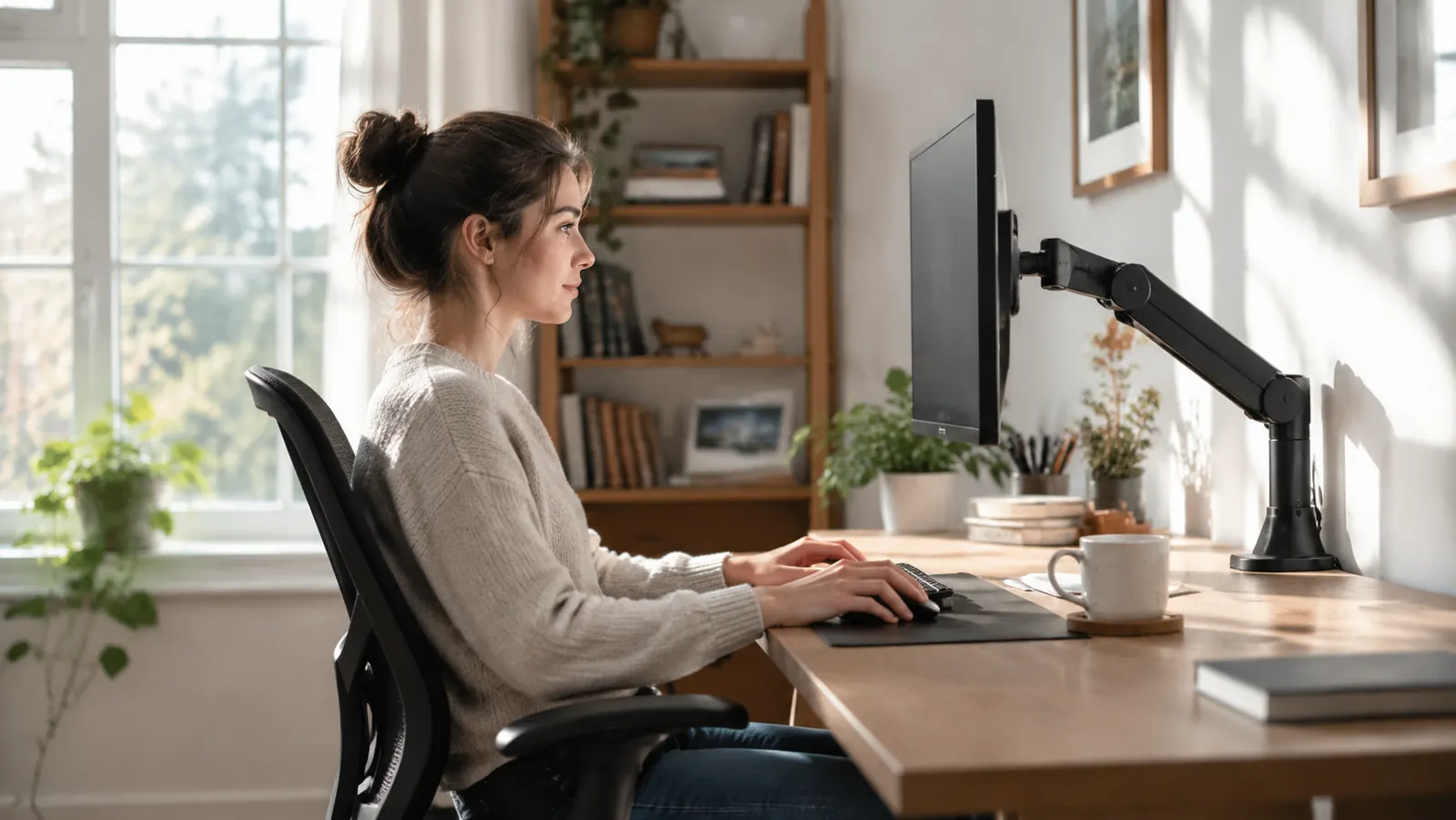
When the monitor sits low, your upper back rounds and your head drifts forward to find the screen. Hold that position for a few hours and your neck complains before almost anything else. The arm lets me raise the panel until the top edge sits about level with my eyes, low enough to look down a little but high enough to keep my head stacked over my shoulders. I set it once and left it there. It sounds small. It was the change that made the rest of this list possible.
It stops you from leaning toward the screen
A monitor sitting on the desktop invites you to lean in to read it, and after a while the lean becomes the default. When the VIVO arm holds the screen about an arm's length away, there is no reason to push your chair closer or curl over the keyboard. I still lean forward when I am tired, but now it is a choice I notice, not a habit that runs all afternoon. On a long writing day, that is a real difference.
It gives your keyboard room to sit where it belongs
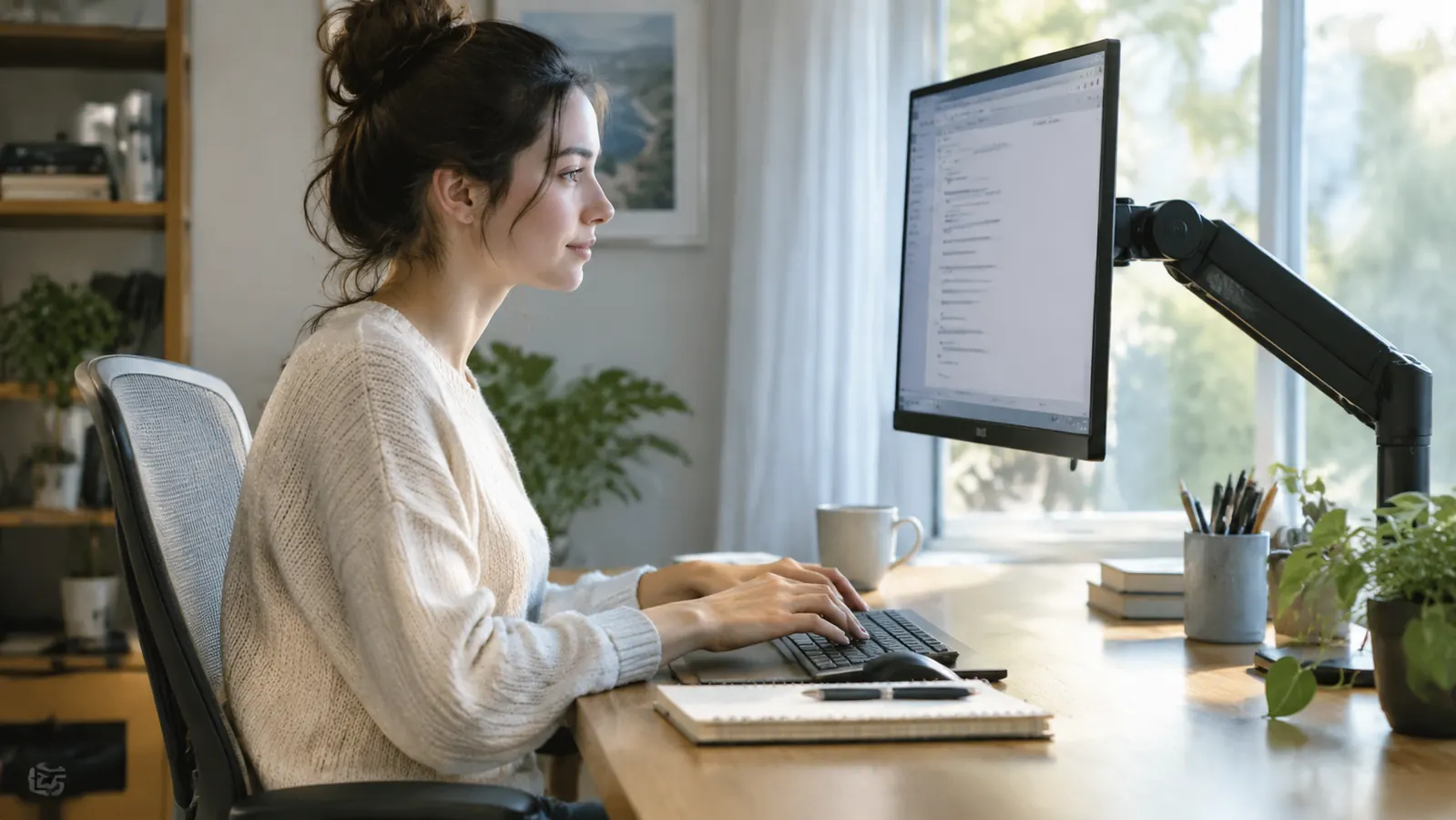
The old monitor stand took up the middle of the desk, so my keyboard ended up too close to my chest and my shoulders rounded forward to reach it. With the monitor on the arm's small base, I slid the keyboard to where my elbows hang close to a right angle and my wrists lie flat. The screen stayed put. The only moving part was the desk below it. That one change took pressure off my upper back during a whole writing day.
Small position changes become part of the work
Posture experts repeat the same phrase: the best posture is your next posture. A fixed stand only lets you change where you put your body around the monitor. The arm lets me slide the screen a little closer for close editing and nudge it back when I am reading a full draft. I make these moves while I type, without stopping my flow, so I actually do them rather than saving them for a break that never comes.
It makes sitting back in the chair feel natural
When the screen is too close, sitting back means squinting to see the words, so you hover at the edge of the chair instead. Once the VIVO arm placed the monitor at a comfortable distance, I could settle back with my hips against the back of the seat and my lower back supported. My recurring lower back complaint is not cured, but it stopped being aggravated by three hours of unconscious hovering.
It decouples the screen from the desk's height
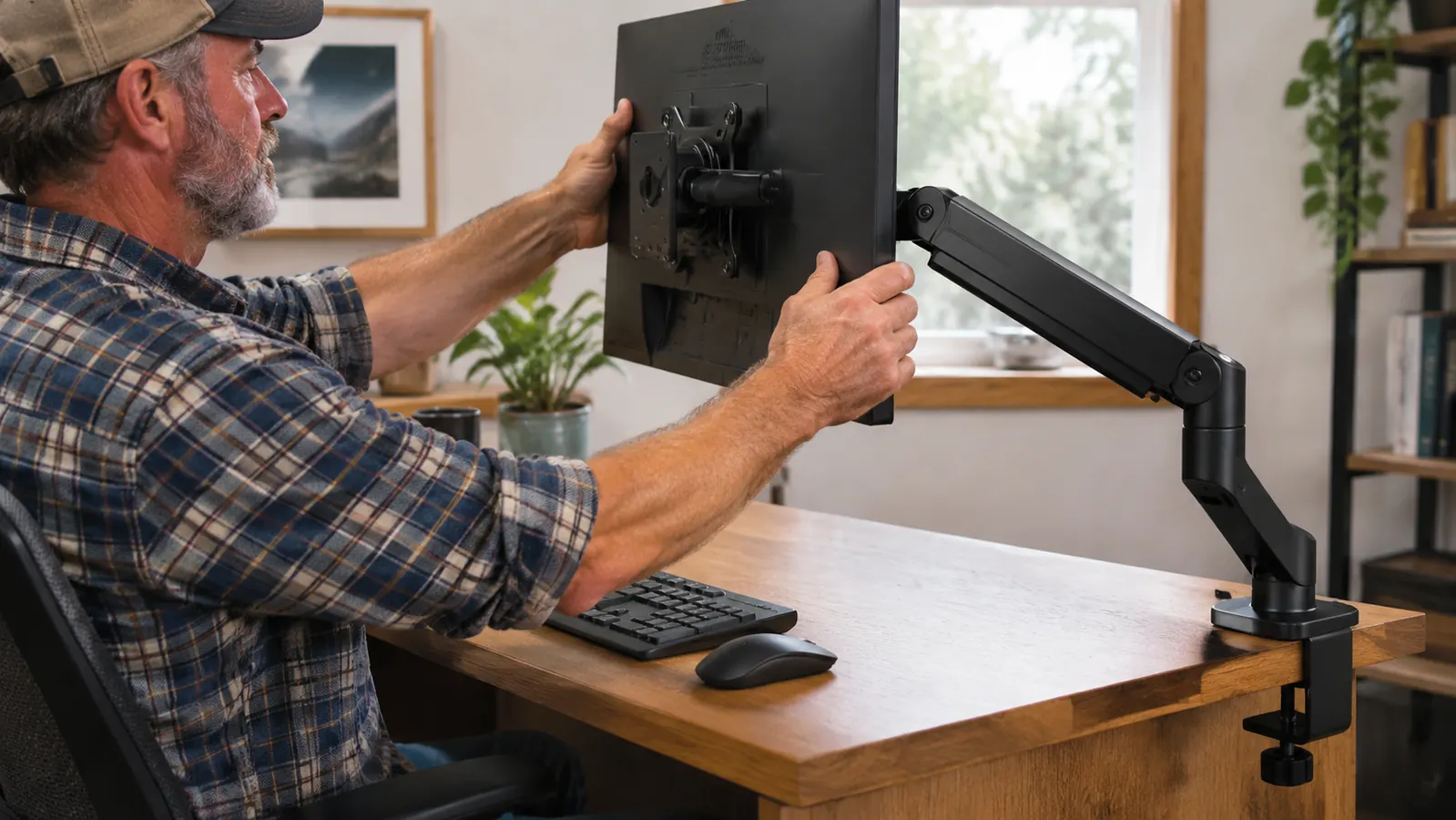
The desk in my office is the height it is. My chair changes with the seasons, and so does exactly where my eyes land. A stand locks the screen to the desktop, so every chair adjustment meant building up the monitor again with books and offcuts. The arm adjusts in seconds with no tools. Today the screen is matched to where my eyes actually are, not to whatever the desk happened to be.
It holds heavy and ultrawide monitors without sag
A lightweight arm can sag under a large panel, and a screen that drifts downward through the afternoon pulls your chin down with it. The VIVO arm is rated for up to 22 pounds and supports ultrawide displays up to 38 inches. Mine stays where I set it for weeks at a time. That stability matters for posture because I am matching my body to a fixed target, not chasing a screen that slowly droops.
It centers the screen over your body, not over the desk
Desk layouts have a way of putting the monitor wherever the stand lands, and the body then twists to line up with it. The arm lets me slide the panel side to side until the center of the screen lines up with the center of my keyboard. I did not expect that to matter, but after a few days of typing without the twist, my upper back felt looser at the end of a writing block.
A still monitor means a still body
When the monitor sat on a stack, a bump of the desk sent it into a wobble, and I spent part of every writing session bracing against that movement without noticing. The VIVO arm clamps to the back edge of the desk, so the screen holds steady when I settle back or shift in my chair. Once I stopped bracing, my shoulders relaxed in a way that surprised me.
It puts camera height where you don't need to hunch for calls
I have three or four video calls a week, and a low laptop camera is a posture trap: you hunch down to get your face into the frame. With the monitor raised on the arm, the camera sits closer to eye level, and I sit up naturally during the whole call. My screen shares still work, but talking heads no longer drive me back into the forward lean I have spent all morning avoiding.
What I'd Skip
Skip this arm if the back of your monitor has no VESA mounting holes, or if you work only on a laptop and never connect an external screen. If you need an adapter for VESA, factor that into your plan before ordering. And if your current setup already keeps the screen at eye level and you do not want more freedom to move it, you may not feel the difference. A monitor arm is a tool for removing a reason to sit badly, not a substitute for a chair that supports you.
The real test did not happen on day one. It happened a month later, when I realized I had stopped perching on the front of my chair because the screen was finally where my head wanted it to be.
If Your Neck Has Been Trying to Tell You Something, Listen
Ergonomic chairs and standing desks are big decisions. A monitor arm is a much smaller one, and it targets the exact habit that causes the worst hunch: looking down at a screen that sits too low. The VIVO arm fits regular screens up to 32 inches, handles ultrawide screens up to 38 inches, and is rated for up to 22 pounds. It mounts with a C-clamp or grommet base. See today's price on Amazon and decide for yourself.
Amazon Check Today's Price on Amazon →